Blog
All Blog Posts | Next Post | Previous Post

 TMS FNC Family Updated with a New Install Experience
Friday, July 3, 2026
TMS Smart Setup
The installers for the TMS FNC product family are getting a major upgrade. Both trial and registered editions are moving to a new installation flow that is faster to set up, easier to maintain, and fully aligned with the latest RAD Studio target platforms.
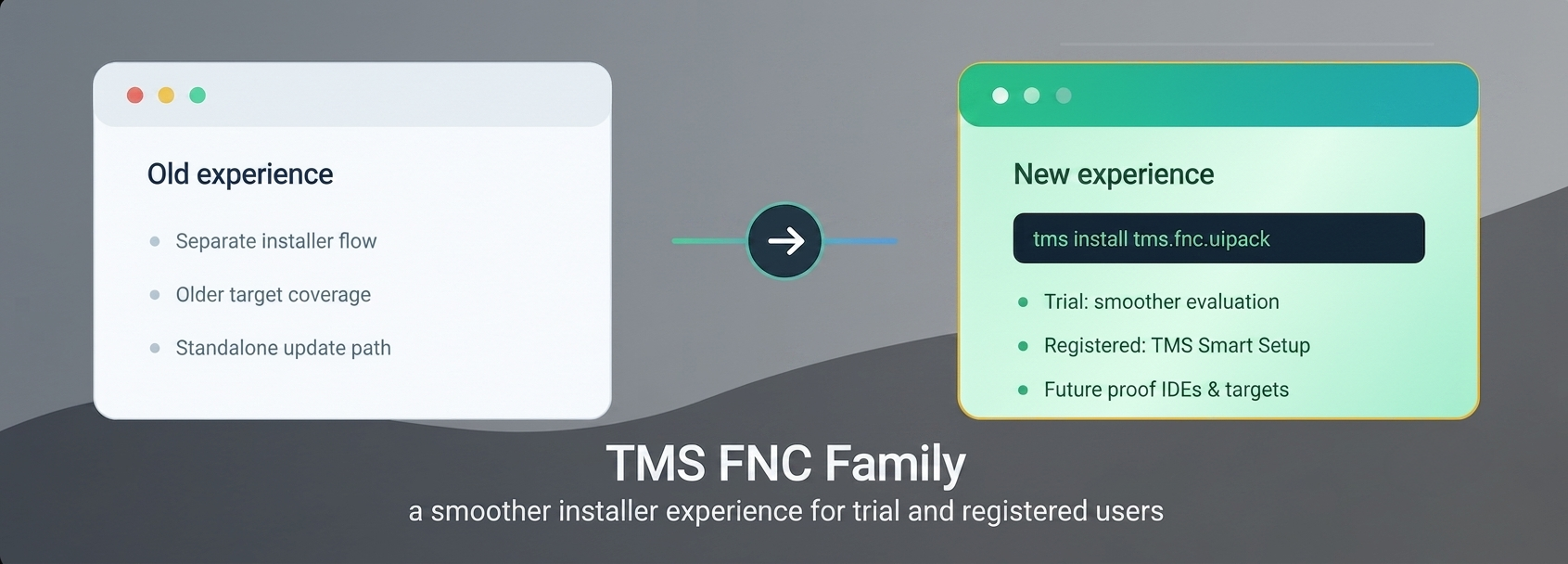
This update applies across the full TMS FNC range, including TMS FNC AppTools, TMS FNC Blox, TMS FNC Chart, TMS FNC Cloud Pack, TMS FNC Core, TMS FNC Dashboard Pack, TMS FNC Gantt Chart, TMS FNC Grid Excel Bridge, TMS FNC Maps, TMS FNC Push Notifications, TMS FNC UI Pack, TMS FNC WebSocket, and TMS FNC WX Pack.
A modern installer experience
The new installers bring a consistent and streamlined setup experience across all TMS FNC products. Whether you are evaluating a trial or installing as a registered user, the process is now simpler and more predictable.
This transition also modernizes the underlying installer technology. It ensures compatibility with the latest RAD Studio versions and target platforms, including Windows on Arm (Arm64EC). The result is a smoother setup process and better alignment with modern development environments.
Installing TMS FNC products
Registered versions (via TMS Smart Setup)
All registered TMS FNC products are now available exclusively through TMS Smart Setup. Before installing, make sure to uninstall any classic installations via the Windows control panel.
If you are new to TMS Smart Setup, consult the Smart Setup documentation to install the tms command-line tool. Once installed, you can install individual products with commands such as:
tms install tms.fnc.uipack
tms install tms.fnc.chart
tms install tms.fnc.core
This approach ensures you always have access to the latest versions with minimal effort.
Prefer a visual workflow? You can also manage installations through TMS Dashboard, a centralized interface for installing, updating, and maintaining all your TMS components.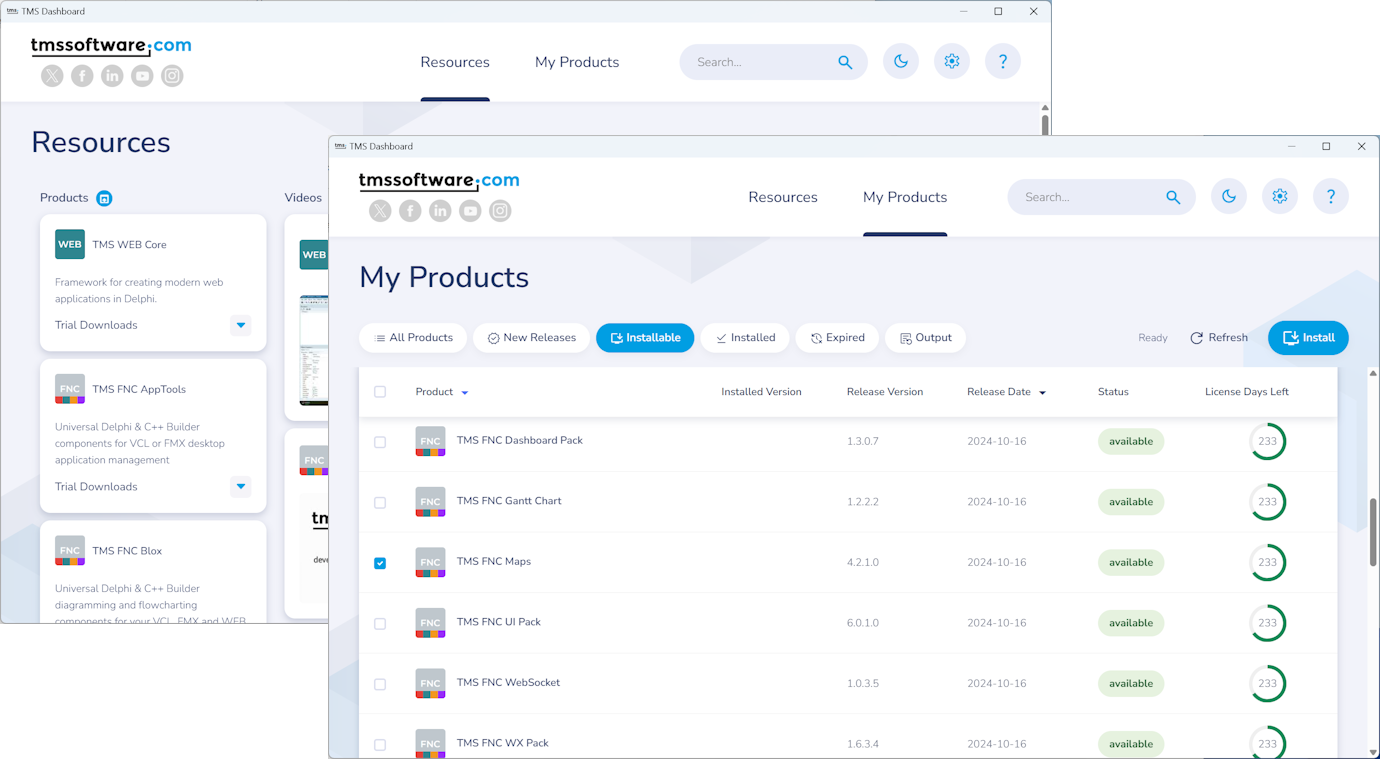
Trial versions
Want to evaluate a TMS FNC product? Simply visit the product page of your choice, click Free Trial, enter your email address, and select your IDE.
The trial downloads immediately, and you will receive a trial key that can be entered during installation. This provides a quick and straightforward way to explore the capabilities of each component.
Moving forward
With this migration, the entire TMS FNC product family benefits from a cleaner installation experience, tighter integration with TMS Smart Setup, and improved support for modern multi-device development using Delphi and C++Builder.
This marks an important step in unifying installation and update workflows across the TMS ecosystem, following earlier updates to other product lines.
As always, your feedback is invaluable. Try the new installation flow for your TMS FNC products and let us know how we can continue improving the experience.
Aaron Decramer
Related Blog Posts
-
TMS Smart Setup is now Open Source!
-
TMS Smart Setup 2.0 — A Major Leap Forward for Delphi Developers
-
TMS Smart Setup v3.1 brings Delphi 13.1 Arm64EC support to TMS products—and raises the bar for the Delphi ecosystem
-
Announcing TMS Smart Setup 3.0... and 3.1... and 3.2... and 3.3!
-
TMS Dashboard updated with TMS Smart Setup v3.3 support
-
TMS VCL UI Pack: Installation, Modernized
-
TMS FNC Family Updated with a New Install Experience
-
TMS Smart Setup is now the way to install TMS products

This blog post has received 1 comment.
All Blog Posts | Next Post | Previous Post
as I wrote in my last post, I was very distrustful of a new installation approach through TMS Smart Setup/TMS Dashboard, simply because I do not know what''s happening "in the box".
Last week, I migrated my apps from Delphi 12 to Delphi 13 so that I was forced to install some TMS products solely using TMS Smart Setup.
I must acknowledge that all of my worries were baseless - after a small modification of YAML configuration file, installation of all TMS products finished successfully and Delphi 13.1 works flawlessly with them.
Thank you and looking forward to new TMS components and products.
Karel Janecek