Blog
All Blog Posts | Next Post | Previous Post

 Translate Your Delphi Resourcestrings with TMS FNC Localization 0.9.4.0 BETA
Today
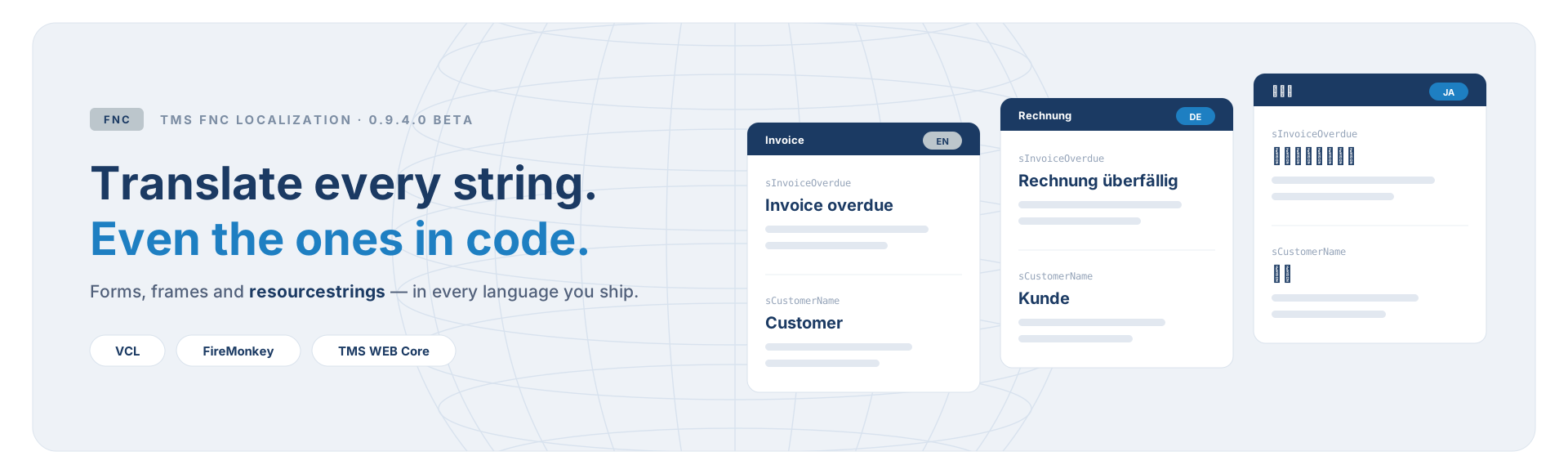
Collect, translate, apply. That was the promise when we introduced TMS FNC Localization, and it is the promise we intend to keep while pushing the capabilities of each step further!
In this blog post we'll discuss what the TMS FNC Localization 0.9.4.0 BETA update brings as the next milestone: reaching beyond simple property collection, with resourcestring support, custom localization of the editor itself and more choice in how your translations are stored, all moving towards a fully mature tool for handling the localization of your Delphi projects.
Your Resourcestrings Join the Translation Project
Collecting works by walking components and reading their text properties. A resourcestring is not a component property, which meant that until now a collection pass gathered every caption on every form and not a single resourcestring, even though resourcestrings are exactly where the error messages and dialog texts of a serious application tend to live.
With TMS FNC Localization 0.9.4.0 BETA we handle this without parsing a single line of your source code. The compiler already writes the complete list of every resourcestring linked into your binary: the .drc file.
How to enable
In Project > Options > Building > Delphi Compiler > Linker, switch on Output resource string .drc file for the active configuration. Setting Map file to Detailed on the same page produces the .drc as well. Build once, reopen the Localization Editor, and the resourcestrings are in the tree beside your forms.
From there, resourcestrings simply become part of the project. They show up in the tree beside your forms and are translated like any other text: manually, with AI assistance or through XLIFF. Only your own units are taken, so the thousands of resourcestrings in the RTL and the frameworks never clutter the list. And the best part is, nothing extra is needed at run time! The collected resourcestrings travel in the language files and are applied dynamically based on your application's selected language.
The Localization Editor Speaks Your Language
A tool for translating applications that is only available in English is a little ironic. So we turned the TTMSFNCLocalizationEditor on itself!
At design time the editor now follows the language of your IDE, when that is one of the built-in languages. Nothing to configure: a German RAD Studio opens a German editor.
At run time you choose, per call:
// Open the editor in one of the built-in languages: 'en', 'de', 'fr' or 'ja'
TMSFNCLocalizationEditor.Execute('ja');
The locale applies to that one call and is reset when the editor closes. It changes the language of the editor only, never the active language of your application.
And if the four built-in languages are not the four you need, the editor can be translated through your own application's translations instead:
// The editor is collected like any other form and follows
// the active language of your application
TMSFNCLocalizationEditor.AllowCustomTranslation := True;
TMSFNCLocalizationEditor.Execute;
With AllowCustomTranslation on, the editor's window is collected like any other form, its messages are registered as snippets under the Editor. prefix, and collection rules for its columns and AI settings are added automatically. From that point the editor is simply part of your translation project, and it follows whatever language your application is in. That matters most when you ship the editor inside your application, so the people correcting a translation can work in their own language.
LANG Files or One JSON File, Your Choice
Until now, translations lived in a single JSON file holding every language together. That is still the default and still the file the editor works against in your project folder. What 0.9.4.0 adds is the ability to export and import one file per language.
A LANG file is plain, line-based text with a short header, named after the language it carries:
; lang.de.lang
_meta.locale = "de";
_meta.language = "Deutsch";
_meta.for = "InvoiceManager";
_meta.exported = "2026-10-28";

MainForm.btnSave.Text = "Speichern";
MainForm.lblCustomer.Text = "Kunde";
ResourceStrings.Invoices.sInvoiceOverdue = "Rechnung überfällig";
Which format suits you depends on what happens to the translations next:
The header is part of the file, so a language file knows which application and which locale it belongs to, which plural forms apply, who contributed to it and when it was exported. Your code does not change either way: the localizer reads whichever format it finds, and when both are present the LANG files take priority!
Workflow Improvements
Along with the new features, TMS FNC Localization 0.9.4.0 BETA brings in various improvements to the workflow!
- Translation files are now generated in and loaded from the project folder when you run from the IDE, instead of accumulating copies in every output folder you build into. This new approach also fits the concept that the translation file belongs to the project version control system.
- TTMSFNCLocalizationComboBox can now offer System language as a choice, so your users can hand the selection back to the operating system and have it stay that way.
- TTMSFNCLocalizationEditor comes with a new Info tab intended for diagnostics purposes for your project.
And as always, we applied a number of fixes for issues that got reported by users during the BETA!
How to Get Started
Not an ALL-ACCESS user? Try it
TMS FNC Localization is available as a free trial from its product page, so you can run the collector over your own application and see what comes back before deciding anything.
Help Us Shape the Final Release
Localization requirements differ enormously between applications. The features in TMS FNC Localization 0.9.4.0 BETA exist because people told us what was missing from their own workflow, so please keep doing that: try it on a new project, or better, on the older one that suddenly needs support for multiple languages!
We are looking forward to seeing what you build with it, and in how many languages!
Tunde Keller

This blog post has not received any comments yet.
All Blog Posts | Next Post | Previous Post