Blog
All Blog Posts | Next Post | Previous Post

 Back to School: TMS Academic Products Now Support Delphi 13 Community Edition
Today
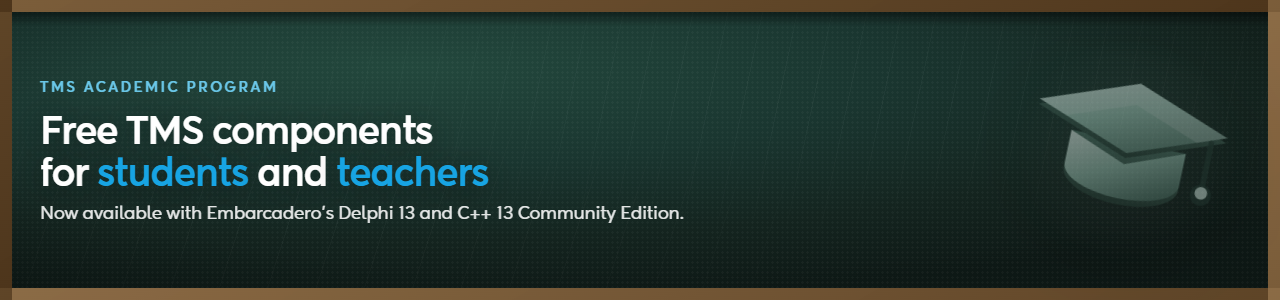
Summer break is over, and if you're a student or teacher picking Delphi back up for the new school year, we have good news: every product in the TMS Academic program now works with Delphi 13 Community Edition.
That matters because Delphi 13 is the version most students will actually have installed. Embarcadero's Community Edition is free, and it's usually the first (and sometimes only) copy of Delphi that lands on a student laptop. Up to now, keeping our academic licenses in step with each new Community Edition release has been an ongoing job on our side. With Delphi 13, that work is done, and it applies across the board rather than to a single product.
What's included
The TMS Academic program gives students and teachers full, free versions of these products for non-commercial use:
- TMS AI Studio
- TMS VCL UI Pack
- TMS FNC UI Pack
- TMS WEB Core
- TMS FlexCel for VCL & FMX
- TMS Aurelius
- TMS Analytics & Physics Pack
- TMS Async
- TMS MQTT
Each one comes with a full year of license and updates, and you get an account on our website with access to our support center, so if you get stuck on an assignment or a side project, help is one ticket away.
Why this is worth trying this semester
If you're building your first data-driven Windows app, a grid or planner from the VCL UI Pack will save you weeks of layout work. If your course touches web development, TMS WEB Core lets you write actual web applications in Delphi instead of switching languages halfway through a project. And if your final-year project involves anything AI-related, TMS AI Studio is worth a look: it's built for adding AI features to Delphi and C++Builder apps without having to become a machine learning specialist first.
None of this requires a purchase order or a departmental budget approval. You register with your school or university email address, and the credentials for downloading the installer land in your inbox.
How to get started
- Go to the TMS Academic page
- Register with your academic email address
- Log in and download the installer for the product (or products) you need
- Download TMS Smart Setup, our command-line and GUI installer, and log in with the credentials you received
- Install the product (or products)
The license lasts one year and can be renewed as long as you're still enrolled as a student or working as a teacher. And if a personal project ever turns into something commercial, switching to the full licensed product later doesn't require changing anything in your code.
Aäron Decramer

This blog post has not received any comments yet.
All Blog Posts | Next Post | Previous Post